Remix Guide
Taoyoutx
Aug 24, 2023
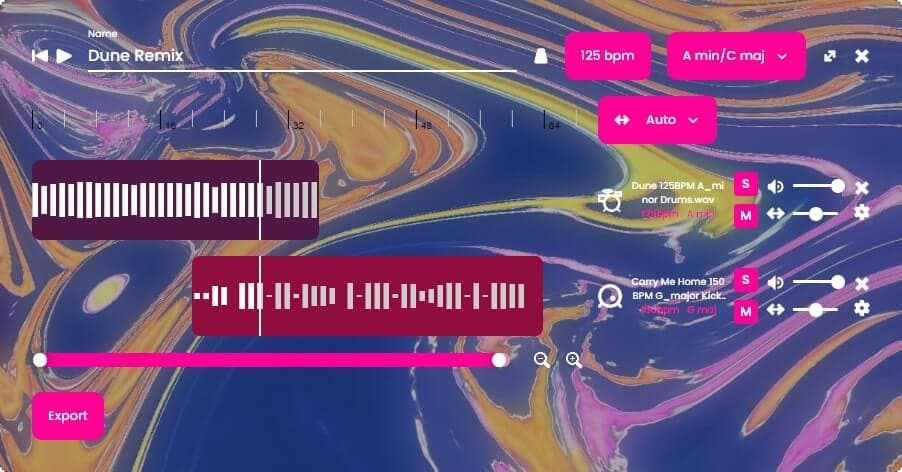
The Taoyoutx Remix Page is an online AI-powered studio for making remixes and mashups of your favorite songs. You can trim, loop, change key and tempo, and much more. Taoyoutx AI handles synchronization - leaving all creative decisions to you.
Welcome to the Remix Page guide. This guide goes over the basics of the Remix Page to get you started quickly.
Tutorial
01
Add Tracks
The first step is to add tracks to your remix. You can add tracks from any song you've uploaded to Taoyoutx and from Taoyoutx's music library. "My Songs" is all of the songs you've uploaded on the Stems page. The rest of the packs are Taoyoutx's music library.

Click on a pack to open it. We'll open Modern Trap for example.
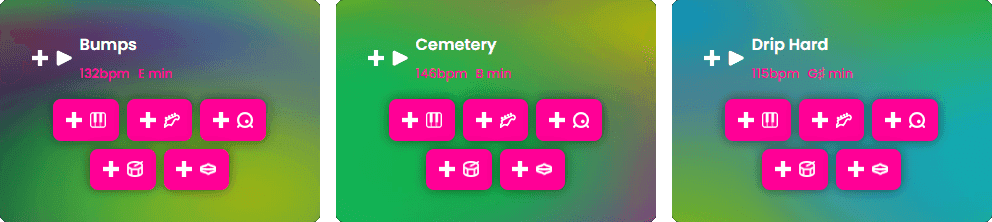
Then, click on any plus icon (+) to add a track. The plus icon next to the song name adds the whole song, and the plus icons below the song name add stems (vocals, bass, drums, etc). Let's add the snare stem from Bumps and the bass stem from Cemetery.

02
Edit Your Remix
Now that your remix has some tracks, you can edit them. Here's a few of the many things you can do:
- Move clips left and right (click and drag a clip)
- Trim the start and end of clips (hover over the bottom left or right of a clip then click and drag)
- Loop a clip (hover over the top right of a clip then click and drag)
- Change the remix's key and tempo (top right of the remix editor)
- Mix the volume and pan of tracks (right side of each track)

03
Export and Share
Experiment around, and add as many tracks as you'd like. Mix and match Taoyoutx library songs with your custom uploads. When you're happy, hit export to download or share your remix.


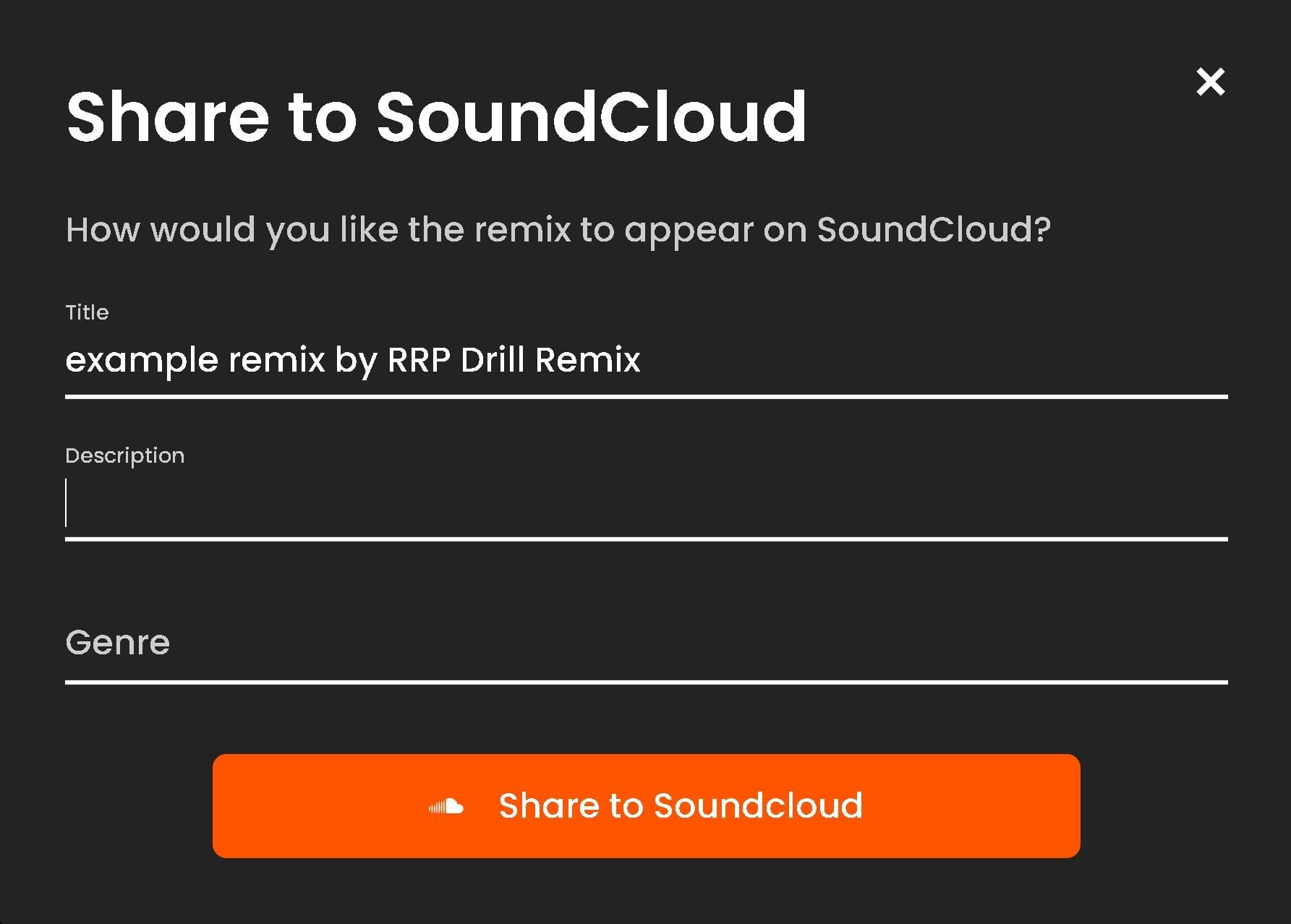
You can also share your remix directly to SoundCloud. When sharing on SoundCloud, you can control how it appears by setting the title, description, and genre.